See a new room.
Plan the real one.
A two-stage ChatGPT workflow for room concepts, a measured shopping plan and a realistic budget.
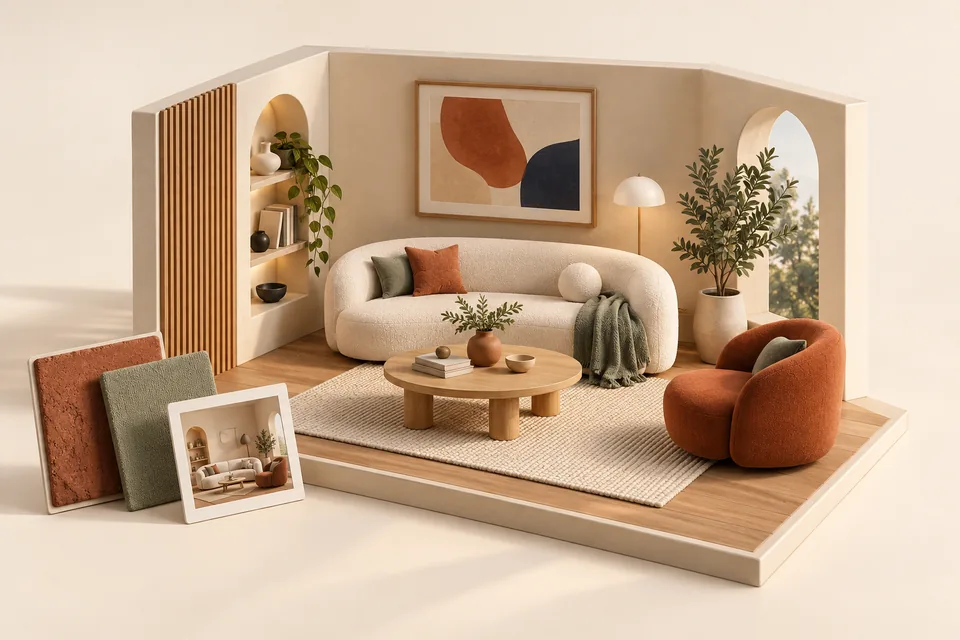
The Room Redesign Prompt Pack
The video demonstrates a useful two-step idea: upload a room photo, ask for a new look, then request a shopping list. The generated image is a concept, not a construction drawing. A shopping link, price or product dimension supplied by an AI must be checked on the retailer’s site before buying.
One useful step at a time.
- 01Photograph the room
- 02Generate a concept
- 03Measure and price
- 04Build a purchase plan
Prepare a usable room brief
Photograph the room in daylight from two corners. Measure wall lengths, windows, doors, ceiling height and the larger furniture you intend to keep. Write down your budget, location, preferred retailers, style words and non-negotiables. Remove personal documents or identifiable details from photos if you do not want them in the chat.
Here are two photos of my [room] plus measurements: [paste]. Keep [furniture]. My budget is [amount and currency]. Create one warm, modern and realistic design concept. Preserve the room geometry and mark any assumptions. Explain the layout, lighting, color palette and the three changes with the biggest visual impact.
Ask for a second concept with a different tradeoff, such as more storage versus more open floor space, before committing.
Turn the image into a purchase plan
Use the same conversation so the list refers to the design. Ask for dimensions, priority, estimated range and one cheaper substitute per item. Separate purchases from no-cost changes such as rearranging furniture.
Using the concept above, create a shopping plan under [budget]. Give columns for item, purpose, target dimensions, estimated price range, priority, retailer link if verified, and a no-cost alternative. Do not invent links or claim that an item is in stock. Include tax, shipping and a 10% reserve.
Open the real product pages and confirm price, dimensions, delivery and returns. The budget fails if the items do not physically fit, even if the rendered image looks good.
Try three more useful variations
Rental-safe refresh: Ask for removable changes only: lamps, rugs, textiles, art and furniture placement.
Accessible layout: State mobility, turning radius or other real requirements and ask for clear circulation paths; verify measurements with a qualified professional when needed.
Seasonal lighting: Ask for day and evening lighting plans and a short list of bulbs and lamp placements.
Decision check: Photograph the room after one small change and compare it with the concept before buying the rest.
Sources & notes
Product details were checked on 5 October 2026. Menus, plans, and integrations can change. The video is the source of the lead-magnet promise; the links below support the practical instructions and corrections in this guide.
- Images in ChatGPT: Generating and editing images.
- OpenAI prompt guidance: Clear context and iterative prompting.
The video’s under-$500 budget is an example, not a current price promise.